
Home/Software/InputConfig/Alternatives
A free alternative to Joystick Mapper
InputConfig is free, nothing is locked behind a purchase, and the source is public under the MIT license. Several of the tools below have been around far longer than this one and are good at what they do. Check for yourself before you switch.
This page has moved. The current version lives at the free mapper comparison on inputconfig.com, which is kept up to date with every release.
The short answer
InputConfig is free on the Mac App Store. There is no paid tier, no trial, and no feature held back behind a purchase.
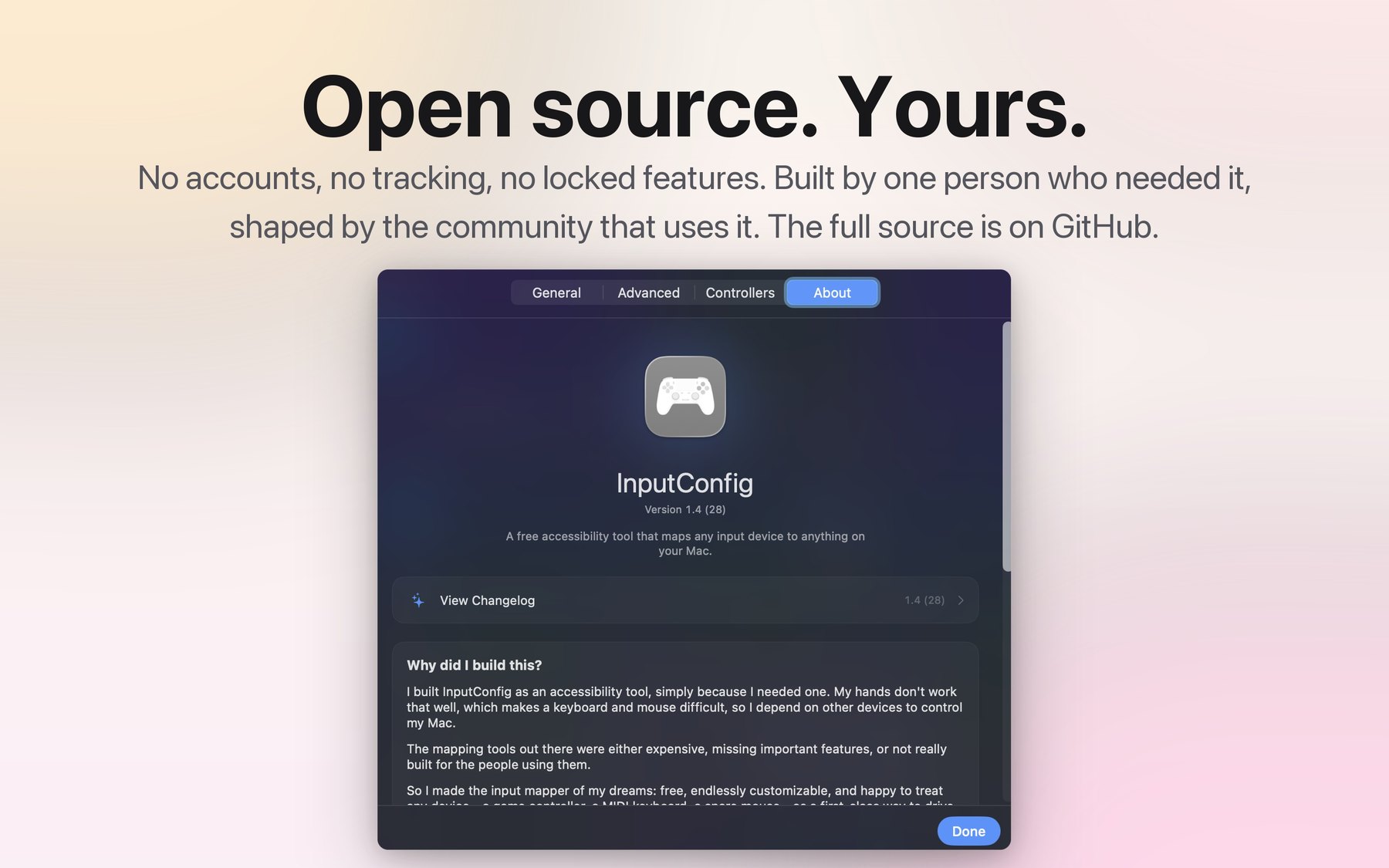
The source is public on GitHub under the MIT license, so you can read what it does before you install it.
It needs macOS 14 or later and asks for one permission, Accessibility. That is the only prompt.
The current version is 1.4 (28).
None of that makes it the right choice for you. The tools it is measured against below have had years longer to meet the edge cases, and the table is our reading of them, not theirs. Read it, then go and look at them yourself.
How it compares
Four Mac input mappers people usually weigh against this one, and what each of them reads and sends.
| Feature | InputConfig | Joystick Mapper | Gamepad Companion | Enjoyable | Karabiner-Elements |
|---|---|---|---|---|---|
| Cost | Free | Paid | Paid | Free | Free |
| Open source | Yes, MIT | No | No | Yes | Yes |
| Game controllers | Yes | Yes | Yes | Yes | Limited, DirectInput only |
| MIDI devices as input | Yes | No | No | No | No |
| Mac keyboard, mouse, trackpad as input | Yes | No | No | No | Keyboard and mouse |
| DualSense Edge paddles and extras | Yes | No | No | No | No |
| System functions and Siri Shortcuts | Yes | No | No | No | Limited |
| Per-app preset switching | Yes | No | No | No | Yes |
| Macros, turbo, tap and hold | Yes | Limited | Limited | No | Limited |
| MIDI output | Yes | No | No | No | No |
| Gyroscope and motion | Yes | No | No | No | No |
| Light bar control | Yes | No | No | No | No |
Checked in September 2026
The InputConfig column is checked against version 1.4 (28). The other four columns come from each tool's own site, store listing, or release notes, read in September 2026. Any of them can change without this page changing with it, so treat the table as a starting point for your own look, not a verdict.
Two qualifications on the InputConfig column, because a green cell can hide a caveat. Gyroscope and motion means Sony controllers. macOS does not expose the motion sensors in the Nintendo Switch Pro controller or the Joy-Cons, so their buttons and sticks work while their gyroscopes cannot drive a binding. Light bar control means the DualSense, the DualSense Edge, and the DualShock 4, which are the controllers that have a light bar in the first place.
Everything else in the table is a difference in what counts as an input and what counts as an output, which is the real dividing line between these tools. A controller button becoming a keystroke is the part they all do.
One row you may have expected is missing: whether each of these is still being updated. That is a judgement about somebody else's project, it ages faster than anything else on this page, and it is better checked than repeated. On the Mac App Store, the Information block on a listing gives the date the app was last updated. On an open source project, the date of the newest release or commit does the same job. InputConfig's answer to that question is version 1.4 (28), with a public commit history you can read the same way.
What free actually means here
Free software usually comes with a catch somewhere. Here is where each of the usual ones would be.
No paid tier and no trial. There is one version of the app and everyone gets all of it. Nothing is grayed out, nothing counts down, and no feature asks for an upgrade when you click it.
An optional tip jar that unlocks nothing. You can leave a tip inside the app if you want to. It changes nothing about what the app does. Tipping and not tipping produce the same software.
No account. There is no sign-up, no license key, and no email address to hand over. You install it and it works.
No telemetry, because it cannot phone home. This is stronger than a promise. The app is sandboxed, and its entitlements file contains no network key at all, which means outbound connections are impossible rather than merely unused. There is no analytics library in the source and no code anywhere in it that opens a connection. Usage statistics exist, and they are a file on your own Mac.
One permission prompt. Accessibility, which is what lets the app type and move the pointer on your behalf. It deliberately does not use Input Monitoring, so that prompt never appears. Bluetooth usage strings are declared for reading wireless controllers.
MIT license. The full source is on GitHub. If this project ever stops being maintained, the code does not disappear with it, which is the specific problem that sends people looking for an alternative in the first place.
Things a mapper usually does not do
If you are weighing a switch, these are the parts most likely to be the reason.
- MIDI in and out
- A MIDI keyboard, pad, knob, or pedal can drive the Mac on its own, with no controller attached, and any control can send notes, control changes, pitch bend, Program Change, or transport to a DAW through a virtual port. MIDI on the Mac with InputConfig.
- The Mac's own keyboard, mouse, and trackpad as inputs
- A key on your Mac keyboard or a second keyboard, a side button on a mouse, and Force Touch pressure on the trackpad can all be the thing that fires a binding. See the full input and output reference.
- DualSense Edge paddles and extras
- Both back paddles, both FN buttons, and the mute button are bindable like any other control, over USB-C and over Bluetooth. Apple's own controller framework does not hand those buttons out, so a mapper built on that framework alone cannot see them at all. InputConfig reads them over HID alongside it. How bindings work.
- System functions and Siri Shortcuts
- Volume, media keys, display and keyboard brightness, Mission Control, Spotlight, lock screen, dictation, and the Zoom controls are outputs in their own right, and any installed Siri Shortcut can be run by name without stealing focus. The system function list.
- Light bar control
- A DualSense, DualSense Edge, or DualShock 4 light bar takes a color and a brightness per preset, or an RGB cycle, over USB or Bluetooth. It is a way to see which preset is live without looking at the screen. What InputConfig does.
- Tap the Mac
- On a Mac with the built-in motion sensor, a double or triple knock on the palm rest or the lid is an input, with no controller, no MIDI device, and nothing plugged in. Tap the Mac, and which Macs have the sensor.
Where it is thinner
A comparison with no weaknesses in it is an advertisement. These are the real ones.
- It is barely localized. The bundle declares thirteen locales, but only about forty strings are actually translated, and they are the menu bar and the common buttons. The binding editor, the settings text, the twenty-five help guides, and every preset name are English only. If you need the app itself in your language, this is not yet that app.
- No motion on Nintendo controllers. macOS does not expose the motion sensors in the Switch Pro controller or the Joy-Cons. Their buttons and sticks map fine. Gyroscope bindings on those controllers do not work, and no software on the Mac can change that.
- One touchpad gesture, not a gesture set. On a DualSense or DualShock 4 touchpad, exactly two fingers are tracked independently and there is exactly one recognized gesture, the two-finger tap. Everything else is done with cursor control and tap regions you draw yourself. If you want swipes and pinches, that is not here.
- Tap the Mac needs specific hardware. The sensor it reads is published on M2 and later, plus M1 Pro, M1 Max, and M1 Ultra. A base M1 MacBook Air or M1 13-inch MacBook Pro does not have it, and on those machines the feature simply does not appear. Which Macs can do this.
- Spoken phrases follow your system audio. Speech plays through whatever output your Mac is currently using. The app cannot pin it to a controller speaker; you choose that output yourself in System Settings, Sound.
- macOS 14 or later. If you are keeping an older Mac on an older macOS on purpose, one of the other tools may be the one that still runs for you.
- It is younger than the rest. This is version 1.4. Some of the tools in the table have had years to meet edge cases this one has not run into yet. That is a real argument for testing before you commit a setup to it.
Switching over
Presets move between machines and between people as files. Maps from another app do not.
-
Install it and connect the controller
InputConfig is on the Mac App Store and needs macOS 14 or later. Connect the controller by cable or Bluetooth, grant Accessibility when macOS asks, then pick a preset and press Activate. There is nothing else to install. The setup guide walks the whole path, controller by controller.
-
Start from something, not from an empty list
Thirty-one presets seed the library the first time you open the app, sorted into folders you can rearrange. Separately, the Smart Preset Maker builds a preset on demand from an embedded library of 458 profiles, made up of 294 games, 127 apps, and 37 workflows. Two numbers, two different things, and the built-in presets page keeps them apart properly.
-
Rebuild your map once
InputConfig does not import presets from other mappers, so the map itself is work you do again. Press Scan, press the control you want, and choose the output. Turn the old mapper off while you do it, so you are not watching two apps drive the same keys.
-
Export it so you only do that once
Each preset is a file. Export writes one out, Import reads one back, and Convert To re-targets a preset built for one controller at another, so a setup you build on one Mac moves to the next one, or to somebody else who needs the same layout. Sharing and converting presets covers what survives the trip.
If a preset takes over more than you expected
Hold Home, PS, or Guide on the controller for two seconds. That stops the engine, releases every held key, button, and note, and gives the pointer back. It works no matter what the active preset maps that button to, and it is watched on every connected controller, so a preset that has taken the keyboard and mouse can always be escaped from the controller in your hands. There is also a system-wide keyboard shortcut and a button in the menu bar, and the button and the hold time are both configurable. Getting out of a preset has all four ways.
Source and links
- Mac App StoreDownload InputConfig 1.4, free
- Source code on GitHubRead the whole app before you install it
- LicenseMIT
- Privacy policyWhat the app does and does not collect
- InputConfig overviewWhat the app is and everything it does
- All InputConfig documentationSetup, bindings, presets, MIDI, and troubleshooting
- Bindings referenceEvery input it reads and every output it sends
- Support[email protected]